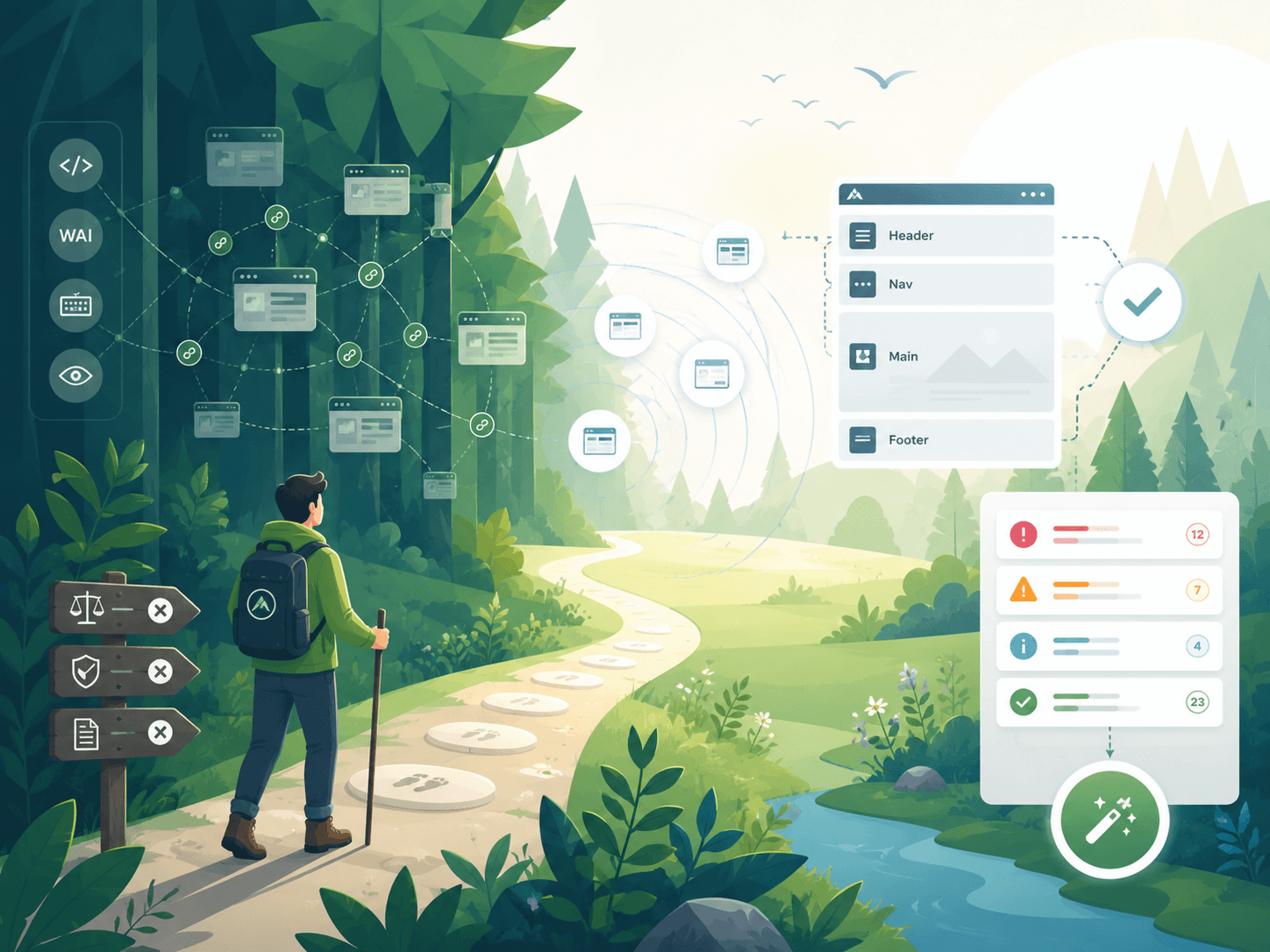
Point-in-time audits go stale
A manual audit gives you a 47-page PDF that's already wrong by the next deploy. Continuous scanning with developer-grade tooling is the only way to keep up with a real product.
Continuous accessibility · WCAG 2.2 · EAA
AccessGlade is a continuous WCAG 2.2 scanner built on axe-core. It crawls every URL on your site, scans every page, and rolls findings up by component — so one fix in your header closes hundreds of issues across the property.
Free for one public site. No credit card. EU-West data residency by default. How we handle your data →
See AccessGlade for engineers, accessibility leads, or legal & compliance.
The problem
Compliance dashboards are easy. Closing the loop on findings is the part that actually matters — and the part nobody else solves.
A manual audit gives you a 47-page PDF that's already wrong by the next deploy. Continuous scanning with developer-grade tooling is the only way to keep up with a real product.
The same missing aria-label in your header creates 200 issues across 200 pages. Your tracker fills with noise; the actual work — fix the header — gets lost.
Reports go to legal. Triage queues feel like Jira from 2014. Engineers ignore them. The score stays at 87% forever and the 13% never moves.
The solution
Most accessibility tools stop at “here's a list of violations.” AccessGlade closes the loop: every URL on your site reaches the queue, and every fix in the queue changes the score.
A polite crawler walks your domain — sitemap-first, robots-aware, identifying itself with a contact email. Add or exclude URLs by hand; schedule re-discovery hourly, daily, or weekly.
The same rule engine your developers already trust runs against every URL on a schedule. Findings are EARL JSON-LD — a W3C standard — so they're portable to any compliance workflow.
A queue that feels like Linear, not Jira. Severity, status, assignee, comments, activity feed; bulk actions; saved views; keyboard shortcuts. Push to Jira, Linear, or GitHub when you're ready to ship the fix.
The differentiator
When AccessGlade detects a violation, it walks up to the nearest landmark (header, nav, footer, main) and computes a structural signature. Every page that uses the same component rolls up to one issue — not 200.
The dashboard tells you the bottom line in plain English: “Fixing the top three components below would close 247 of 312 open issues across 4 properties.”
| Component | Property | Open | Pages |
|---|---|---|---|
| Headerheader | acme.com | 142 | 208 |
| Footerfooter | acme.com | 73 | 208 |
| Sidebaraside | acme.com | 32 | 52 |
| Hero | docs.acme.com | 11 | 4 |
For engineering
Most accessibility tools are designed for someone whose job title is “Accessibility Lead”. AccessGlade is built so the people writing the code stay in the loop.
The same open-source rule engine your developers run locally. No proprietary scanner, no false-positive arguments.
Findings persist in the W3C-blessed evaluation format. Your audit history is yours, not ours — exportable any time.
Keyboard shortcuts, bulk actions, saved views, real-time activity feed. Triage 50 issues in a minute, not an afternoon.
One-way push (so we don't fight your tracker). The fix happens where engineers already work.
POST EARL findings to /api/ingest. Or run audits live on the page you're looking at, sign in, sync.
A finding from org A is mathematically unable to appear in a query made by org B. Verified by integration tests, not promises.
Where AccessGlade differs
| Capability | Traditional accessibility tools | AccessGlade |
|---|---|---|
| Findings format | Proprietary JSON | EARL JSON-LD (W3C standard, portable) |
| Scan engine | Closed-source proprietary | axe-core (open source, what your devs use) |
| Issue queue | Excel export, or Jira-like ticket spam | Linear-style queue with keyboard shortcuts |
| Cross-page deduplication | Per-page; same header issue 200 times | Component rollup — fix once, close everywhere |
| Pricing | "Contact us" wall | Per-seat, listed publicly |
| Vendor lock-in | Audit history is theirs, not yours | Open data formats; export anytime |
Engine: open-source axe-core. Numbers measured against our reference fixture site; your mileage will vary with page complexity.
This page meets WCAG 2.2 AA. Single h1, landmark structure, real focus rings, AA-checked contrast in both light and dark modes, and a working skip link (try it: press Tab as soon as the page loads). Reduced-motion preferences are honored.
Findings are EARL JSON-LD. Rules come from the open-source axe-core engine your developers already use locally. Scans run headless Chromium so the DOM you scan is the DOM your users see — JavaScript and all.
Questions, asked and answered
Add a domain, queue a scan, and watch findings roll up by component. Free for one public property; upgrade only when you bring a second.